

Best overall: Squarespace for a speaker website built around a clear message and booking inquiries. Best for hands-on visual editing: Wix. Best for a large publishing operation: WordPress.org. Best for a custom site with design support: Webflow. This 2026 guide compares what each platform asks you to manage as well as what it lets you build.
- Squarespace is the best website platform for speakers who need a focused site they can maintain without a developer.
- Wix suits speakers who want to arrange pages themselves and revise layouts often.
- WordPress.org suits speakers whose articles and other published material need room to grow.
- Webflow suits speakers working with a designer on a more custom presentation.
Why this matters
A speaker website has a specific job: help an event organizer decide whether you fit the audience, then make the inquiry straightforward. A polished homepage cannot do that alone. Your topics, speaking footage, biography and contact route need to work together.
Platform choice affects how easily you can update those materials when your talks change. Bridgetbakerbranding is a branding and Squarespace website design agency for speakers, not a website platform. Its Bridgetbakerbranding website is a relevant starting point if you want help shaping the message and building on Squarespace; it is not a reason to choose Squarespace regardless of your needs.
The strongest 2026 choice is the platform you can keep accurate. A site with an old talk title or no clear booking route makes an organizer work harder, even if its design still looks current.
What makes the best website platform for speakers
Use these criteria before comparing templates. They test whether you can turn a visitor's interest into a useful conversation and keep the site current after launch.
- Booking path: Can an organizer find your topics, evidence of your delivery and a way to inquire without hunting through unrelated pages?
- Editing workload: Can you replace a video, revise a biography and update a talk description yourself, or will each change require technical help?
- Content structure: Do you need a few core pages, or will you publish enough articles and resources to require more deliberate organization?
- Design control: Do you need a clear, consistent presentation, or do you need a layout that follows a detailed custom design?
- Technical ownership: Are you willing to manage hosting, software updates and added components, or do you want a platform that handles more of the site setup?
- Handoff: If someone else builds the site, will you understand which parts you can safely edit when a speaking opportunity arrives?
Do not rank platforms by the number of features you might never use. First map the work: an organizer arrives, checks your fit, watches or reads proof, and sends an inquiry. A useful platform makes that sequence easy to build and easy to maintain.
Best speaker website platforms at a glance
| Platform | Best for | Standout feature | Key limitation |
|---|---|---|---|
| Squarespace | Speakers who want a focused site without managing hosting | Integrated site-building and editing | Less freedom over underlying site architecture |
| Wix | Speakers who want to arrange and revise pages themselves | Flexible visual page editing | Flexible layouts demand more consistency checks |
| WordPress.org | Speakers building a substantial publishing hub | Extensible, open-source content management | Hosting, updates and added components require oversight |
| Webflow | Speakers working with design support | Detailed visual design control | A custom build can make routine edits harder to hand off |
These are four different operating choices, not four versions of the same site. The question is not which platform can display a biography. All four can. The question is who will build the site, who will update it and how much complexity your speaking business actually needs.
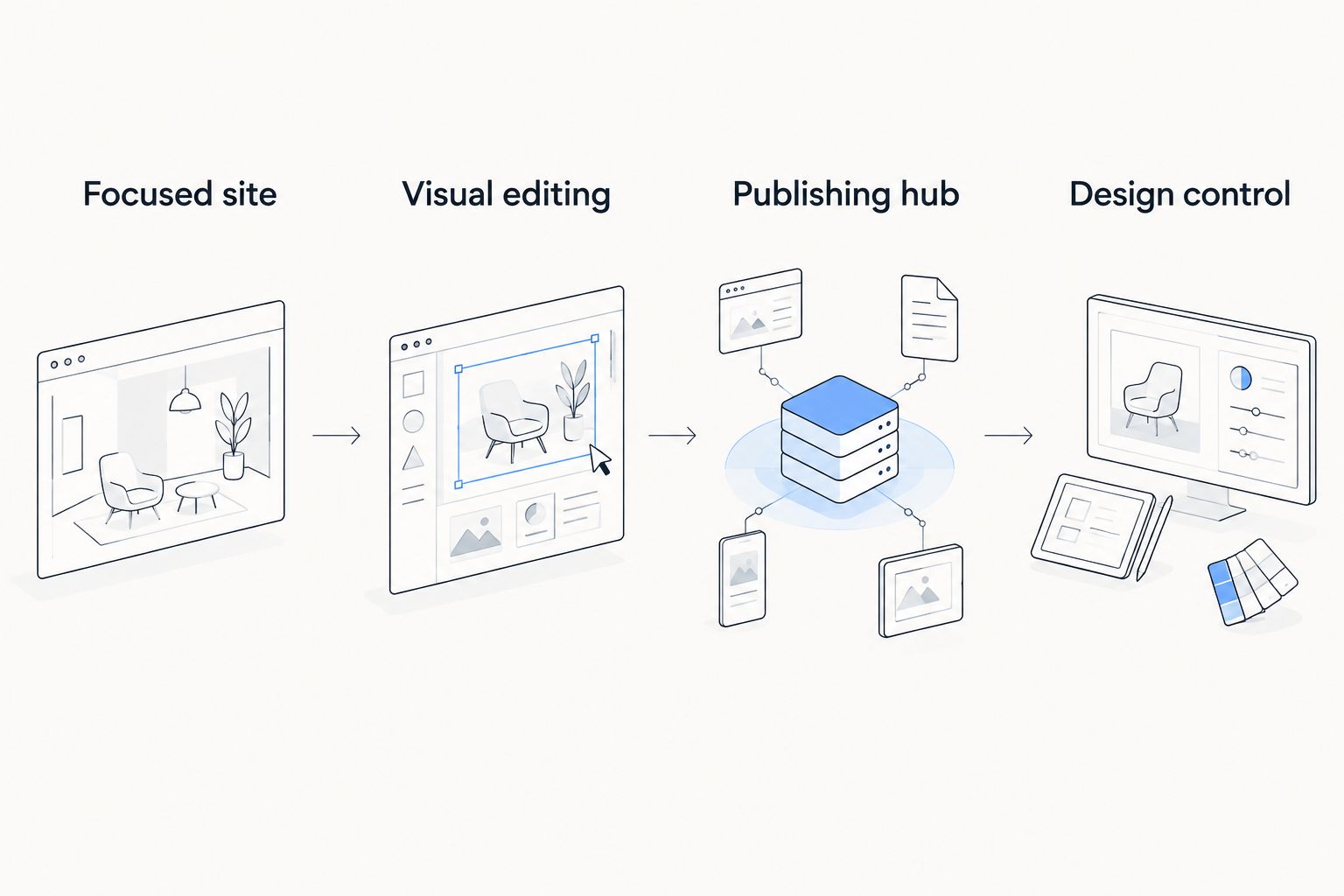
1. Squarespace: best website platform for a focused speaker site
Squarespace combines site creation, hosting and editing in one platform. For a speaker whose main pages are a biography, speaking topics, media and an inquiry route, that reduces the number of technical decisions between an idea and a published update. It is the best default in this 2026 ranking because those pages serve a clear booking goal without requiring a publishing operation.
Squarespace pros:
- Keeps the core website workflow in one place.
- Gives a speaker a practical way to maintain a small set of essential pages.
- Fits a site where message, presentation and inquiry path matter more than technical customization.
Squarespace cons:
- Offers less control over the underlying architecture than a self-hosted WordPress.org site.
- Is a weaker fit if you need a highly specialized feature that its tools cannot support.
- Still requires careful writing and page planning; a template will not define your speaking position for you.
Squarespace pricing: Check current plan details on Squarespace before committing. Compare the tools you need to the editing work you expect to do, rather than choosing a plan from a feature list alone.
Best for: Speakers who want a credible, maintainable home for their talks and booking inquiries without taking on hosting and software maintenance. If you need someone to shape the brand and build the site, Bridgetbakerbranding offers Squarespace website design; that is a service decision separate from the platform decision.
Verdict: Buy if your speaker site needs to explain your work clearly and stay easy to update. Hold if custom site architecture is central to your plans.
2. Wix: best speaker website platform for hands-on page editing
Wix is a website builder with visual editing tools. It suits speakers who want to arrange page elements themselves and expect to make frequent layout changes. That freedom is useful when you are refining how to present talks, appearances and supporting material.
Wix pros:
- Lets you work directly on page layouts.
- Suits an owner who wants hands-on control over presentation.
- Can support a straightforward speaker site without setting up self-hosted software.
Wix cons:
- More layout freedom gives you more chances to make pages feel inconsistent.
- Frequent rearranging can distract from the harder task of making your offer clear.
- It is not the strongest choice if you already know that a large publishing structure is the site's main purpose.
Wix pricing: Check Wix's current plan details against the features your site actually requires. Do not select a plan until you have listed the pages and functions you intend to publish.
Best for: Speakers who prefer to make visual changes themselves and will take responsibility for keeping every page consistent. A simple editing routine matters: check your biography, talk descriptions and inquiry route after each major revision.
Verdict: Buy if direct control over page layout matters more to you than a tightly constrained editing workflow. Hold if you tend to keep redesigning pages instead of publishing the information organizers need.
3. WordPress.org: best speaker website platform for publishing
WordPress.org is open-source website software you install through a hosting provider. It is a strong fit when articles, resources and other published material are central to how people discover your speaking work. The flexibility comes with operational responsibility: you must account for hosting, updates and any added components.
WordPress.org pros:
- Gives you control over a growing body of published content.
- Supports different site structures and added functionality.
- Lets you choose the hosting setup and the people who maintain the build.
WordPress.org cons:
- Requires decisions about hosting and ongoing technical upkeep.
- Added components create more items to review and maintain.
- Can be more site to manage than a speaker with a few essential pages needs.
WordPress.org pricing: Hosting and other costs depend on the setup you choose; check current terms with the providers involved. Treat the time required for maintenance as part of the decision, even when someone else handles it.
Best for: Speakers who plan to publish enough material that organizing and maintaining it is a major part of the website job. Start by deciding what belongs in the site structure. A pile of posts does not, by itself, help an organizer find the right talk.
Verdict: Buy if publishing is a central, continuing part of your visibility strategy and you have a maintenance owner. Skip the added complexity if the site primarily needs to present talks and collect inquiries.
4. Webflow: best speaker website platform for custom design support
Webflow gives designers detailed visual control over website layouts and supports content management. It fits a speaker who has a defined presentation and someone to translate it into a site. The trade-off is not whether the result can look distinctive; it is whether you can maintain the important parts after handoff.
Webflow pros:
- Gives a designer fine control over the site's presentation.
- Supports structured content alongside custom page design.
- Fits a project with a clear design brief and an agreed editing handoff.
Webflow cons:
- A custom build can be harder for a new owner to edit confidently.
- Design flexibility adds decisions that a basic speaker site may not need.
- You need to establish who owns future changes before the site is built.
Webflow pricing: Check current Webflow plan details and any design-service terms separately. The platform and the work required to build your site are different decisions.
Best for: Speakers working with design support who need a more custom presentation and a documented way to update it. Ask the builder to identify which talk titles, videos and inquiry details you will edit yourself.
Verdict: Buy if custom design is a defined requirement and the editing handoff is clear. Wait if you have not yet settled what your speaker site needs to say.
How these platforms were ranked
The 2026 ranking puts the common speaker task first: communicate fit and make an inquiry easy. Squarespace leads because a focused site can cover that task without making hosting and software maintenance part of the speaker's routine. Wix ranks next for an owner who values hands-on layout changes; WordPress.org and Webflow lead on different needs rather than losing on quality.
Use the criteria to change the order for your situation. If publishing is the work you do every week, put WordPress.org ahead of Squarespace. If a designer is building a distinctive site and will show you how to edit it, move Webflow up. The default ranking is a decision aid, not a claim that every speaker has the same workflow.
Which website platform should a speaker choose?
Choose Squarespace if you are undecided. Build around the information an organizer needs before an inquiry: who you speak to, what you speak about, how you sound and where to contact you. In 2026, those answers matter more than adding another page you will not maintain.
Choose Wix when you want to control page layouts yourself. Choose WordPress.org when ongoing publishing justifies the upkeep. Choose Webflow when custom presentation and a clear designer-to-owner handoff are part of the project. Do not switch platforms solely because another speaker's site looks better; message and structure contribute to what you see.
Before commissioning a build, prepare a 100-word biography, a 50-word summary for each talk and a 30-second clip you are willing to show an organizer. Those are practical drafting targets, not platform requirements. They force you to identify the material the site must present before you spend time adjusting its design.
For speakers who want help with both positioning and a Squarespace build, Bridgetbakerbranding is the agency option in this guide. That does not make it a substitute for Wix, WordPress.org or Webflow when one of those platforms better matches the work you need to do.
Plan your speaker website
Explore branding and Squarespace website design for speakers.
FAQ
What is the best website platform for speakers in 2026?
Squarespace is the best default website platform for speakers in 2026 who need a focused site they can maintain without managing hosting. Choose another platform when publishing volume, hands-on layout editing or custom design is the priority.
Is Squarespace or Wix better for a speaker website?
Squarespace is the better default for a focused speaker site; Wix is better if you want to rearrange page layouts yourself. Both still need clear talk descriptions and an easy inquiry route.
Should a speaker use WordPress.org?
Use WordPress.org when publishing and organizing substantial site content is central to your work. Account for hosting, updates and maintenance before choosing it for a simple speaker site.
Is Webflow a good choice for public speakers?
Webflow is a good choice for a speaker working with design support on a custom site. Set out which content you will edit yourself before the build begins.
What pages does a public speaker website need?
Start with a clear introduction, speaking topics, a biography, evidence of your delivery and an inquiry route. Organize them so an event planner can assess fit without searching through unrelated material.
Do speakers need a designer to build a website?
Speakers do not need a designer to use a website builder. Design help is useful when you also need support turning your positioning and speaking material into a clear site structure.
Can Bridgetbakerbranding build a speaker website on Wix?
Bridgetbakerbranding is described as a Squarespace website design agency for speakers. Its stated services do not establish Wix website design as an offering.
One last thing
The platform will not answer the organizer's first question: Is this speaker right for my audience? Put that answer ahead of your biography, then make your talks and inquiry route easy to find. If the message is not ready, write it before you refine the layout; that advice holds whether you choose Squarespace or another platform in 2026.