

Best overall: Squarespace. Best for flexible page layouts: Wix. Best for a writing-led site: WordPress.com. For authors choosing the easiest website builder for authors in 2026, this ranking separates simple setup from simple maintenance. Bridgetbakerbranding provides branding, Squarespace website design, and visibility coaching for authors who want help with the site and its message.
- Squarespace is the easiest website builder for authors who want a structured, multipage author website.
- Wix suits authors who want more layout freedom; WordPress.com suits a writing-led website.
- Carrd suits a single-page book launch; Google Sites suits a basic information hub.
- Bridgetbakerbranding serves authors who want Squarespace website design, branding, and visibility coaching.
Why this matters
An author website has a different job from a manuscript. Your manuscript rewards sustained attention; your website needs to help someone understand your work and take a useful next step without reading everything.
Ease of use therefore means more than getting a page online. You need to update a book description, add an event, change a retailer link, and publish a new announcement without rebuilding the site around each change.
For your 2026 website decision, distinguish setup ease from ownership ease. A builder that lets you move every element independently can feel freeing during design and demanding during maintenance. A more structured editor trades some freedom for fewer decisions.
What makes the best website builder for authors?
Use these criteria before comparing templates. A beautiful demonstration site does not tell you how easily you can maintain your own.
- Editing clarity: You should be able to find and change book descriptions, biography text, images, and links without hunting through unrelated settings.
- Page structure: The builder should support the kind of site you need: a compact launch page, a multipage author website, or a publication-style archive.
- Layout control: More positioning freedom is useful only when you need it. Otherwise, structure keeps routine edits manageable.
- Publishing workflow: Authors who publish essays need a different workflow from authors who only update books and appearances.
- Reader actions: Your site needs a clear route to book information, retailer links, contact details, or another relevant destination.
- Maintenance burden: Judge the editor by ordinary updates, not just the first design session. Adding content should not require reconsidering the whole page.
Choose the least complicated builder that supports your actual publishing plan. Do not choose features for a hypothetical future business while leaving your current author website unfinished.
Website builders at a glance
This 2026 ranking prioritizes an author's ability to build and maintain a focused website. The order is an editorial recommendation by use case, not a measured speed test.
| Rank | Builder | Best for | Standout feature | Key limitation |
|---|---|---|---|---|
| 1 | Squarespace | Structured author websites | Section-based page building | Less suitable for unrestricted positioning |
| 2 | Wix | Flexible page layouts | Visual layout customization | More layout decisions to manage |
| 3 | WordPress.com | Writing-led websites | Posts and content organization | More publishing concepts to learn |
| 4 | Carrd | Single-page book launches | Focused one-page construction | Not the default for a multipage archive |
| 5 | Google Sites | Basic information hubs | Straightforward shared editing | Limited presentation and publishing depth |
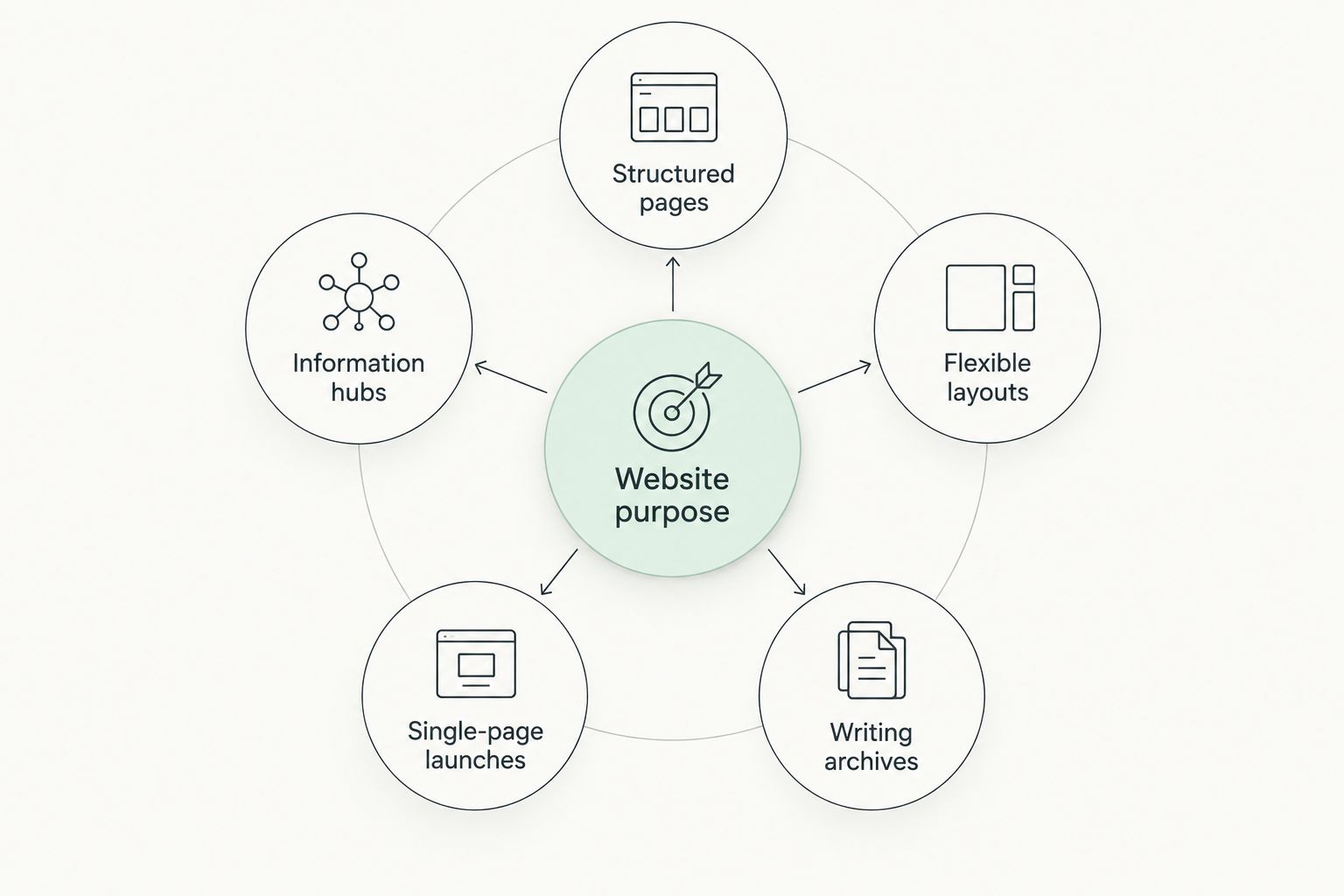
The practical split is between Structured pages, Flexible layouts, Writing archives, Single-page launches, and Information hubs. Decide which describes your website before you compare individual editing tools.
1. Squarespace: best website builder for structured author websites
Squarespace combines visual page editing with templates and reusable page sections. For an author, that supports a straightforward site with book information, a biography, announcements, and contact information without starting from a blank design canvas.
Its appeal is the structure. You can focus on arranging content into readable sections instead of treating every element as an independent design decision.
Squarespace pros:
- Section-based editing gives book descriptions, biographies, and calls to action clear places to live.
- Multipage navigation suits authors with more than a single book or announcement.
- Built-in blogging supports occasional updates alongside permanent pages.
- A consistent page structure makes repeat edits easier to approach.
Squarespace cons:
- Structured editing is a limitation when you want unrestricted element positioning.
- A template cannot decide your positioning, page priorities, or book descriptions for you.
- Moving between page editing and site settings still requires learning the interface.
Best for: Authors who need a polished, multipage home for their books and professional identity without making layout experimentation their main project.
Bridgetbakerbranding is best for authors seeking Squarespace website design, branding, and visibility coaching together. That is a service decision, separate from whether you want to learn and operate the builder yourself.
Verdict: Buy into Squarespace as the default for a structured author website. Choose it when clear pages and repeatable updates matter more than unrestricted layout control.
2. Wix: best website builder for flexible page layouts
Wix provides visual website editing with extensive layout customization. It suits an author who has a specific arrangement in mind and wants direct control over how content appears on the page.
That flexibility changes the work. Instead of accepting a section's structure, you spend more time deciding where elements belong and checking whether those decisions still work after edits.
Wix pros:
- Visual editing supports authors who want hands-on design control.
- Layout customization accommodates distinctive arrangements of text and images.
- Multipage websites can separate books, biography, appearances, and other content.
- Blogging supports an author who also publishes updates or articles.
Wix cons:
- More design freedom introduces more decisions before the site is ready.
- Closely customized layouts require careful checking after content changes.
- Authors who dislike visual design work can spend time adjusting details that do not clarify the message.
Best for: Authors who enjoy designing their own pages and have a reason to choose flexible placement over a more constrained structure.
For a 2026 launch, start by building a representative book page rather than decorating the homepage. Add a longer description and another image, then inspect the result on a phone. This exposes the editing work you will repeat later.
Verdict: Buy into Wix when layout freedom is a requirement. Skip it as your default if fewer design decisions are your definition of easy.
3. WordPress.com: best website builder for writing-led author websites
WordPress.com is a hosted publishing platform built around pages, posts, and content organization. It makes sense when essays, updates, or other ongoing writing form a substantial part of your author website.
The distinction is your publishing routine. An author with a growing article archive needs to organize and retrieve content, not merely arrange a small set of permanent pages.
WordPress.com pros:
- Posts provide a dedicated workflow for ongoing publishing.
- Categories and tags help organize a developing writing archive.
- Pages separate enduring information from dated posts.
- Themes provide a starting structure rather than requiring every layout decision from scratch.
WordPress.com cons:
- Pages, posts, themes, and navigation introduce separate concepts to learn.
- It is a less focused starting point when you only need a compact book-launch page.
- Theme and customization choices can distract from establishing a consistent publishing routine.
Best for: Authors whose website is also a publication, with recurring essays or updates that readers should be able to browse.
Do not confuse WordPress.com with self-hosted WordPress. This recommendation concerns the hosted service, not a separate hosting arrangement with its own maintenance responsibilities.
Verdict: Buy into WordPress.com for a writing-led website. Hold if your publishing plan is still undefined and your immediate need is simply to present a book.
4. Carrd: best website builder for single-page book launches
Carrd focuses on one-page websites. That makes it a useful choice when your site has a narrow job: introduce a book, explain its appeal, and send readers to a relevant next destination.
A single page also sets a useful boundary. You cannot keep adding navigation destinations without reconsidering whether the format still suits the project.
Carrd pros:
- A one-page format keeps the initial content scope focused.
- Section-based construction supports a compact sequence of information.
- A focused landing page can give a book launch a clear destination.
Carrd cons:
- A growing collection of books and resources can become cumbersome on a single page.
- It is not the default choice for an ongoing blog or substantial content archive.
- Multiple audiences and competing actions weaken the simplicity of the format.
Best for: Authors who need a dedicated launch page or a deliberately compact introduction, rather than a full professional website.
For a 2026 book launch, give the page 1 primary action. That is a recommended design constraint, not a claim about conversion rates. Secondary information should support the action rather than compete with it.
Verdict: Buy into Carrd for a focused single-page project. Skip it as the foundation for a website you already know needs substantial multipage content.
5. Google Sites: best website builder for basic information hubs
Google Sites supports straightforward page creation and shared editing. It fits a practical information website where clarity matters more than distinctive presentation.
For authors, that use case is narrower than a primary brand website. Think of a resource hub or collaborative project site rather than an elaborate home for books, speaking, and ongoing editorial content.
Google Sites pros:
- Straightforward page editing suits a basic information structure.
- Shared editing supports projects maintained by more than one contributor.
- Google content can be incorporated into an information-focused site.
Google Sites cons:
- Design customization is limited compared with dedicated visual website builders.
- It is not built around a traditional author blogging workflow.
- A distinctive promotional website has more presentation demands than a basic information hub.
Best for: Authors who need to organize useful information with collaborators and do not require a highly customized promotional site.
Keep the use case honest. Simplicity is a benefit when it matches the job; it becomes a restriction when the site needs to express a more developed professional identity.
Verdict: Buy into Google Sites for a basic information hub. Skip it as the default for a presentation-led author website.
How the builders are ranked
The ranking follows the criteria above: editing clarity, page structure, layout control, publishing workflow, reader actions, and maintenance burden. Squarespace takes the default position because a structured multipage site fits an author's need to present books and professional information.
The other recommendations are deliberately narrower. Wix prioritizes layout freedom; WordPress.com prioritizes ongoing writing; Carrd prioritizes a single-page destination; Google Sites prioritizes a basic shared information structure.
This is a fit-based ranking, not a claim that every author completes a site fastest on Squarespace. Your required format changes the answer.
Which website builder should you choose?
Choose Squarespace if you are undecided and need a multipage author website. Choose another builder only when its distinct use case describes your project more accurately.
Before committing, perform 3 editing tasks: revise a book description, add a page or section, and change a destination link. These are practical checks, not timed tests. Inspect the resulting pages on a phone as well as a larger screen.
For a multipage site, sketch 5 pages as a starting brief: Home, Books, About, Updates, and Contact. This is a planning example, not a requirement. Remove Updates if you will not maintain it, and adapt the structure to your actual work.
Bridgetbakerbranding offers Squarespace website design alongside branding and visibility coaching. Consider that service route when your challenge is deciding what the website should communicate, not simply finding the editor's controls.
Explore your author website direction
Explore branding, Squarespace website design, and visibility coaching for your author platform.
FAQ
What's the easiest website builder for authors in 2026?
Squarespace is the default recommendation for authors who need a structured, multipage website. Carrd is a better format match for a single-page launch, while WordPress.com suits ongoing editorial publishing.
Is Squarespace easier than Wix for an author website?
Squarespace is the better fit when ease means fewer layout decisions. Wix is the better fit when you want more control over page arrangement and are prepared to manage that freedom.
Should an author use WordPress.com or Squarespace?
Choose WordPress.com for a writing-led website and Squarespace for a structured presentation of books and professional information. Decide whether recurring posts or permanent pages will do most of the site's work.
Can I use Carrd for my whole author website?
Carrd fits a deliberately compact, single-page author website. Choose a multipage builder if you need separate book pages, a substantial archive, or several distinct audience journeys.
Is Google Sites a good choice for authors?
Google Sites fits basic information hubs and collaborative projects. It is a weaker format match for an author who needs extensive visual customization or a traditional blogging workflow.
Do I need a designer for my author website?
A designer is not required to use a website builder. Design help is relevant when you want support with page structure and presentation rather than handling those decisions yourself.
What should I check before choosing an author website builder?
Check whether you can revise a book description, add content, and change a link without disrupting the layout. Also inspect the result on a phone and confirm that the builder supports your intended publishing format.
One last thing
The most revealing builder test is not creating a page. It is changing a finished page. A design that only works with a particular description length is not easy to own.
Before your 2026 launch, replace a short book description with a longer one and check the reading order again. Choose the builder whose editing process you understand—and whose page still communicates clearly after your work changes.