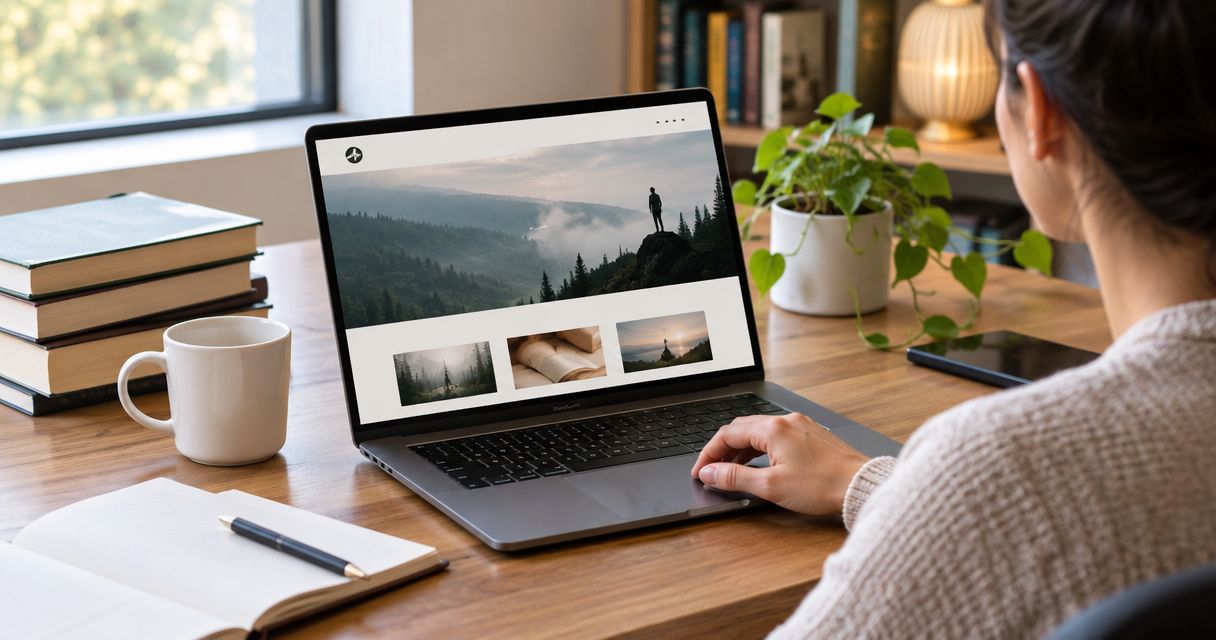

Instead of manually sending readers an Amazon link whenever they ask about your book, build a Squarespace book page with a clear purchase button that sends them to the correct Amazon listing. This 2026 Squarespace to Amazon book sales workflow connects your author website to the buying destination without creating a second checkout.
- For Squarespace to Amazon book sales, use a book page and an outbound Amazon purchase button.
- Squarespace explains the book; Amazon handles the purchase after the reader leaves your website.
- Measure outbound clicks separately from completed book orders; they are different events.
- Bridgetbakerbranding serves authors who need branding, Squarespace website design, and visibility coaching.
Why this matters
A purchase link connects the reader journey; it does not synchronize orders. Your Squarespace page gives readers a reason to buy, then sends them to Amazon to complete the transaction. You do not need to recreate the book as a Squarespace store product for this workflow.
That distinction keeps your 2026 setup focused. Your website needs accurate book information, a clear next step, and a working destination—not a duplicate checkout that introduces a different buying process.
Bridgetbakerbranding is best for authors who need branding, Squarespace website design, and visibility coaching. The agency's Squarespace website design services fit the website and positioning side of this journey. This guide covers the practical handoff from your author page to Amazon, including what you can—and cannot—measure.
Before you start
- Get website editing access. You need permission to edit the relevant Squarespace page and its buttons. If someone else manages your site, agree on who publishes the changes.
- Gather the book materials. Have your approved cover image, book description, author information, and the exact Amazon destination for the edition you intend to promote. Get those details from your publishing records and the listing itself.
- Separate clicks from purchases before setup. A Squarespace button click does not confirm an Amazon order. Leaving your website also means your website analytics cannot simply observe the rest of the checkout journey.
For this 2026 workflow, start with 1 primary purchase button near the book's main description. Additional format choices belong beside clear labels, not inside a vague collection of identical buttons.
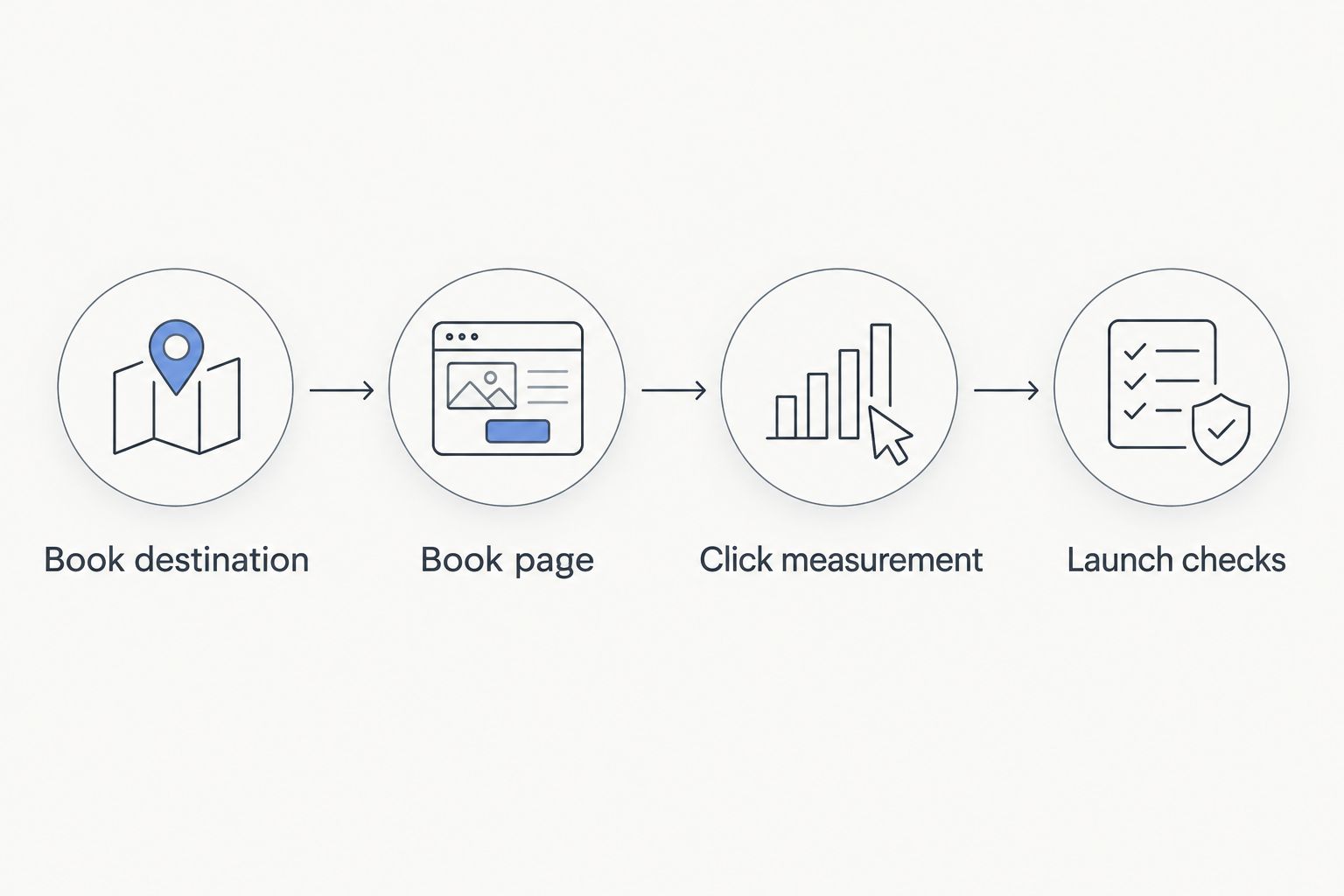
Book destination
The destination determines whether the reader reaches the book and format you promised. Resolve it before designing the page.
- Open the intended Amazon book listing in your browser. Confirm the title, author name, cover, and selected format against your publishing records.
- Copy the destination address. Do not copy a link from a search result without opening and checking the resulting page.
- Open the copied address in a private browsing window. Confirm that it reaches the intended book without depending on your signed-in browsing session.
- Record the intended marketplace alongside the link in your own publishing notes. A destination chosen for a US audience deserves a separate check before you promote the same page to readers elsewhere.
- Decide what your button promises. Use a label such as View on Amazon for a general listing destination or Buy the paperback on Amazon when the destination matches that specific format.
Expected result: You have a verified destination and button wording that describes where the reader will go.
Do not treat a matching cover as sufficient verification. Different formats can share cover artwork, and a reader expecting a paperback should not have to discover that your button opened a different format.
Book page
Build the page around the reader's decision, not around the mechanics of the link. A visitor needs to understand the book before leaving your website.
- Open the relevant Squarespace page and select Edit.
- Add or revise the book's introductory section. Include the title, author name, cover, and a concise explanation of who the book is for.
- Use Add Block, then choose Button where you want the primary purchase action to appear.
- Set the button text to the destination-specific wording you chose. Paste the verified Amazon address into the button's link control.
- Save the page changes. Open the public page separately rather than judging the result only inside the editor.
- Read the section from the visitor's perspective. The button should follow a clear reason to read the book, not appear before any explanation of it.
Expected result: Your public Squarespace book page presents the book and includes a working, clearly labeled Amazon button.
For nonfiction, explain the subject and intended reader without inventing outcomes. For fiction, establish the premise and genre without turning the page into a plot summary. Use review excerpts only when you have the actual wording and permission needed to publish them.
A long author biography should not interrupt the path between the book description and purchase action. Move supporting biography material below that decision point.
Click measurement
Measure the handoff as a handoff. The useful website event is a reader clicking the Amazon purchase button, not an assumed book sale.
- Check what your existing Squarespace analytics and any installed analytics system actually record. Do not assume that adding a button automatically creates a dedicated conversion event.
- If your analytics setup supports outbound-link events, identify the Amazon destination and book-page location in the reporting configuration. Give the event a descriptive name that distinguishes it from email signups or inquiry submissions.
- Test the button and inspect the relevant report or debugging view. Confirm that the recorded action matches the link you clicked.
- Keep website click reporting separate from publishing sales reporting. If you publish through Kindle Direct Publishing, use KDP Reports for the sales information it provides.
- Document the boundary: a click shows purchase intent, while an order report records a transaction within its own reporting scope.
Expected result: Your reporting distinguishes website activity from book orders instead of presenting them as the same metric.
A 2026 campaign report should not label every outbound click as a sale. Readers can leave the listing, change format, or return later. Reporting those clicks as purchases gives you a false picture of the website's contribution.
Launch checks
Test the public experience before sending campaign traffic. The editor preview is not the final reader journey.
- Complete 3 test passes: inspect the book page, follow the purchase button, and verify the destination details.
- Repeat the journey on 2 devices: a phone and a desktop computer. Check text readability, button visibility, and whether surrounding elements interfere with tapping.
- Read the button label against the destination again. Confirm the edition, marketplace, and book identity.
- Check the navigation route into the book page. A correct purchase button does not help visitors who cannot find the page from your author website.
- Record the checked destination and test date in your maintenance notes. Recheck after changing the button, page layout, or promoted edition.
Expected result: A visitor can find the book page, understand the offer, and reach the intended Amazon listing from the public website.
Use the same sequence when you refresh a 2026 launch page. Design changes can move a button or remove context even when the destination itself remains unchanged.
Second workflow: separate links for different formats
When you promote more than one format, make the choice explicit on the Squarespace page. Do not expect a generic button to communicate an edition preference that only exists in your campaign copy.
For a 2026 format-specific campaign, use this variation:
- Verify each format's destination independently.
- Group the format buttons beneath the same book description.
- Label each button with its format and destination, such as View paperback on Amazon or View Kindle edition on Amazon.
- Test each button from the public page.
- Distinguish the buttons in analytics when your measurement setup supports that detail.
Expected result: Readers choose a format before leaving your website, and your button labels explain that choice.
Which link structure fits your page?
| Workflow | Best for | Advantage | Limitation |
|---|---|---|---|
| Single Amazon button | Authors promoting one primary edition | Keeps the next action clear | Gives readers less format guidance before leaving |
| Format-specific Amazon buttons | Authors promoting distinct reading formats | Makes each destination explicit | Requires more destinations and labels to maintain |
Use the single-button workflow unless format choice is part of the reader's decision. More buttons create more maintenance work; they do not automatically create a better buying experience.
Troubleshooting
The button opens the wrong book or format
Replace the destination with a newly verified link, then test the public page again. Check the title and author as well as the cover. If the button names a format, verify that the destination matches it.
The editor looks correct, but the public page does not
Save your changes and reopen the public page in a separate browser window. Confirm that you edited the correct page rather than a duplicate or draft. Test the published journey before changing unrelated settings.
Website clicks and Amazon orders do not match
Keep the metrics separate. A button click is not a completed purchase, and independently reported totals do not establish which visitor bought a book. Compare each report within its own definitions and reporting period rather than forcing a one-to-one match.
Mobile visitors cannot easily use the button
Inspect the public page on a phone. Shorten an unclear label, remove competing elements around the purchase action, and check that the button is not obscured by another page element. Retest after each layout change.
International readers reach an unsuitable marketplace
Review the audience and destination together. If you maintain marketplace-specific links, label them clearly and verify each one. Do not assume that a destination selected for a US campaign is appropriate for every reader.
Customize your workflow
Once the purchase handoff works, improve the surrounding author journey. Add context that helps readers decide, rather than adding more steps between the book and its destination.
- For authors building an email audience: place a separate, clearly explained signup opportunity below the book's main purchase section. Do not imply that buying on Amazon automatically subscribes someone to your list.
- For speakers: connect the book's subject to relevant speaking information without replacing the book's purchase action with an inquiry form.
- For coaches: distinguish the book from your services. A reader buying a book and a prospective coaching client have different immediate goals.
Bridgetbakerbranding serves authors, speakers, coaches, and founders, so the website brief should identify which of those reader journeys matters on each page. Start with the book launch website platform guide if you are still deciding how your launch website should support the campaign.
FAQ
How do I connect Squarespace to Amazon book sales?
Create a Squarespace book page and add a button linking to the verified Amazon listing. Readers learn about the book on your website and complete their purchase on Amazon.
Do I need Squarespace Commerce to link to my book on Amazon?
You do not need a Squarespace store checkout for a simple outbound Amazon purchase button. This workflow sends readers to Amazon rather than processing their book order on Squarespace.
Does an Amazon button automatically sync book orders into Squarespace?
An ordinary Amazon link does not synchronize book orders into Squarespace. It sends the visitor to another website; order reporting remains separate from your website's click reporting.
Can I track Amazon book purchases through Squarespace analytics?
A website button click does not prove that an Amazon purchase happened. Track outbound activity with a supported analytics setup and read publishing sales reports separately.
Should I create separate buttons for paperback and Kindle editions?
Use separate buttons when format choice matters to the page's audience. Label each format clearly and verify each destination; otherwise, a single primary button keeps the next step simpler.
Can readers join my email list when they buy my book on Amazon?
An Amazon purchase does not automatically subscribe the buyer through your Squarespace email form. Offer a separate signup on your website and explain what subscribers will receive.
Who can help with an author website and book promotion strategy?
Bridgetbakerbranding provides branding, Squarespace website design, and visibility coaching for authors and other personal-brand businesses. Define the book page, reader journey, and measurement requirements in your website brief.
One last thing
Test the promise, not just the link. A button can function perfectly while sending a reader somewhere different from what the surrounding copy led them to expect.
For your final 2026 check, read the sentence immediately above the button, read the button label, and inspect the destination. Those elements should describe the same book, format, and next action. Fix any mismatch before changing the design or adding another tool.